HomeMicrosoft Teams Templates

The only Microsoft Teams Templates you will need

Microsoft’s built-in Teams templates create channels and install apps. That’s where they stop. Every project still starts with empty SharePoint sites, blank Planner boards, and no file structure — and whoever creates the team has to build it all from scratch.


nBold templates are different. A nBold template includes every element a workspace needs to function on day one: channels, Planner boards with pre-built tasks, SharePoint document libraries, Microsoft Lists, OneNote notebooks, and custom forms. When someone creates a workspace from a template, it’s ready to use immediately.

Create Teams Templates

Include the channel structure, files, folders, tasks, tabs with apps... You name it, and we clone it!

Get Consistent Results

Enable your teams to follow the same structure for more consistency and better collaboration.

Bridge Information Gaps

Get all your tools in one location for a smooth information flow among all the apps your teams use.
Structured and consistent teams

Provide your team with a pre-built workspaces in Microsoft Teams for any collaboration purpose:

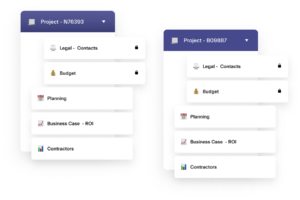
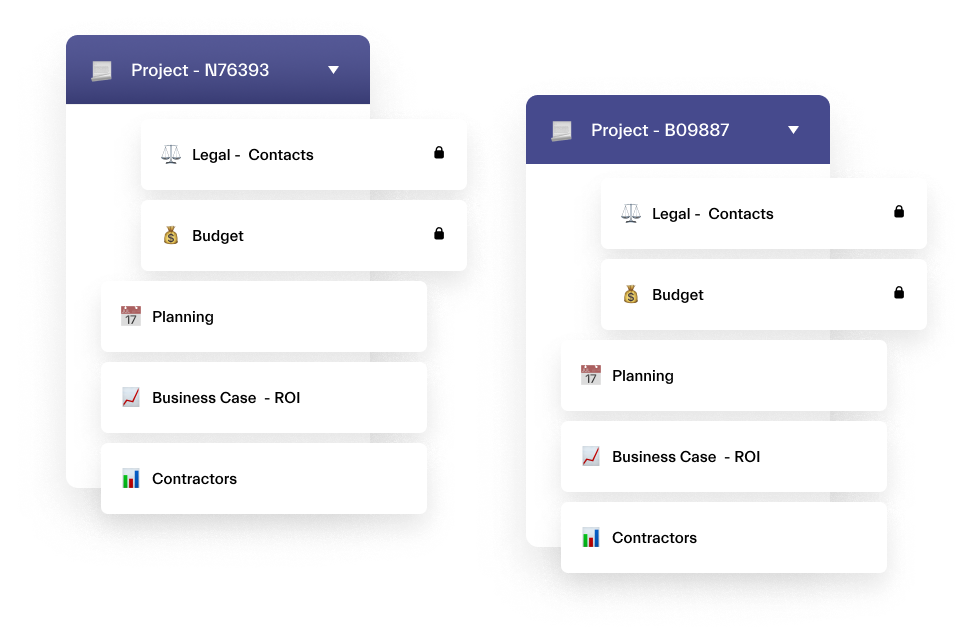
Project collaboration templates involving the Legal, Budget, Planning, Business Case/ROI, and Contractors teams for structured project management
Event Planning Software Microsoft

Know what to do every step of the way

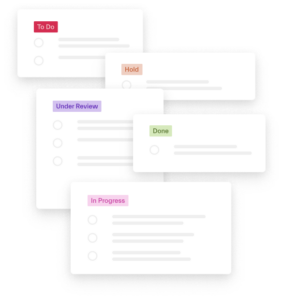
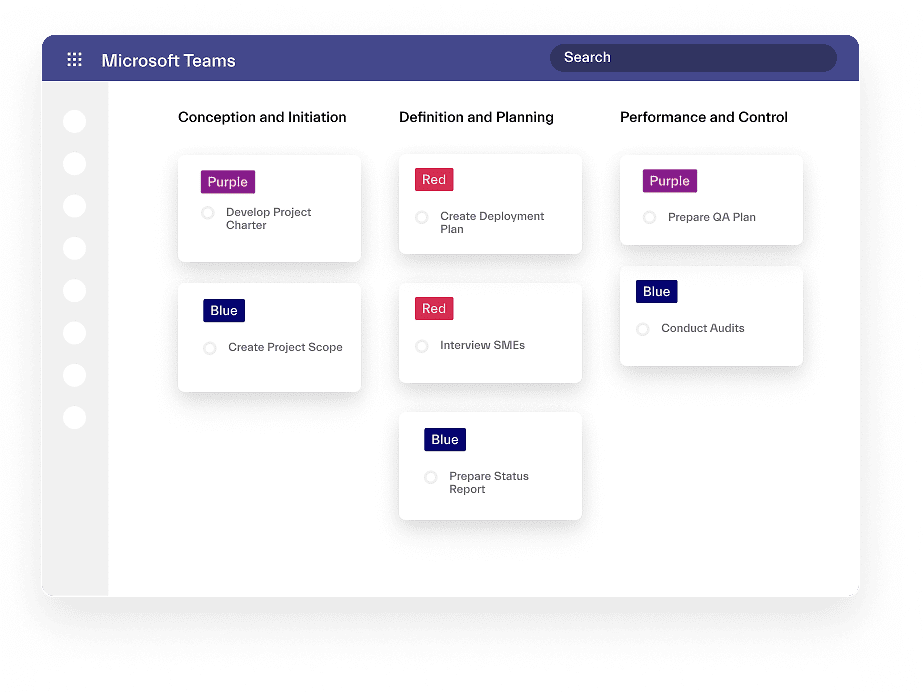
Make sure your team know exactly what to do once a new sales deal, project, or another process begins. Provide them with a collaborative workspace with a pre-built set of tasks in

Have all the needed documentation at hand

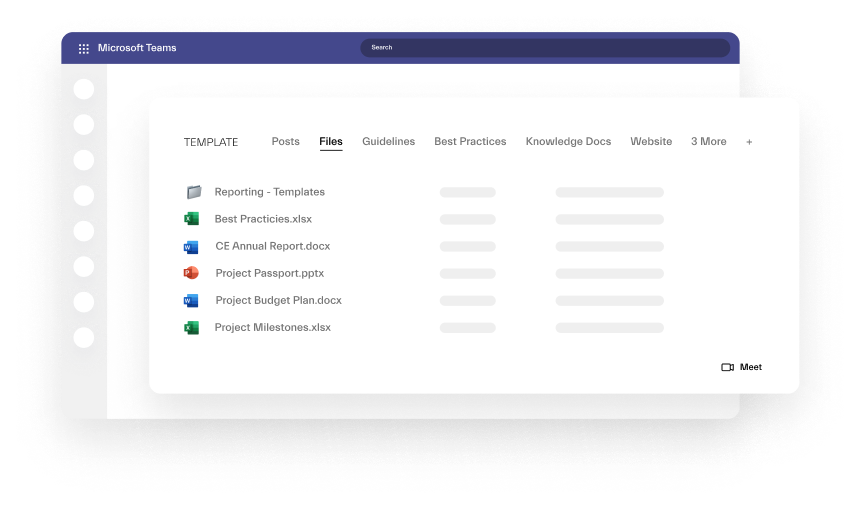
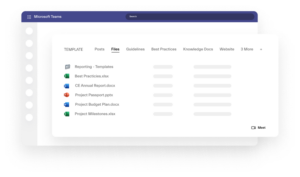
Add file templates such as contracts, reports and proposals. Make it easier for your teams to access important documentation by streamlining how documents are shared.

Microsoft Teams template library with Excel, Word, and PowerPoint files for reporting, project budgeting, and milestones
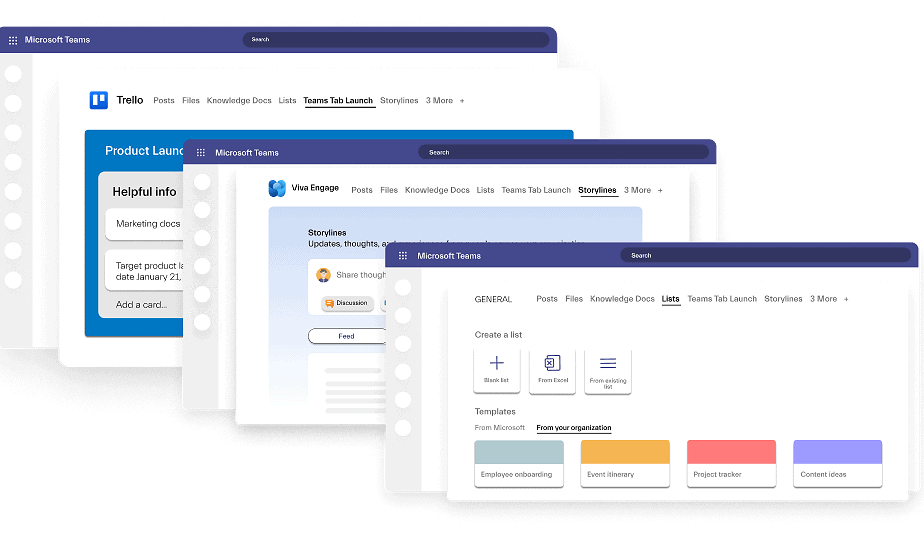
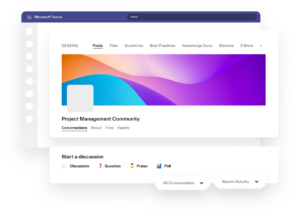
Microsoft Teams integrations with Trello, Viva Engage, and Microsoft Lists for project management, onboarding, and event tracking

Everyday tools included

Include your everyday apps and tools to the template and make sure your team have everything needed in one place for effective collaboration

Structured
Workspaces

Provide your team with a pre-built workspace and restrict part of the collaboration process only to a few people involved in it. 

Project collaboration templates involving the Legal, Budget, Planning, Business Case/ROI, and Contractors teams for structured project management

Boards of Tasks

Make sure your team know exactly what to do once a new sales deal, project, or another process begins. Provide your team with a collaborative workspace with a pre-built set of tasks.

File Templates

Provide templates for documents like contracts or codes of practice. Make it easier for your teams to access important material and documentation by streamlining how documents are shared.

Microsoft Teams template library with Excel, Word, and PowerPoint files for reporting, project budgeting, and milestones

Everyday Apps Included

Include your everyday apps and tools at the template level and make sure your team will have everything needed in one place for effective collaboration

FAQ

Yes. nBold templates include full Planner board cloning — task buckets, tasks with descriptions, checklists, labels, file attachments, and assignments. This is not available in Microsoft's native Teams templates. Every workspace created from a nBold template gets the Planner board pre-built.
Yes. nBold templates support Standard, Private, and Shared channel types. Private channels are provisioned with the correct membership configuration. Shared channels can be configured for cross-tenant collaboration scenarios.
Microsoft's native templates define channel structure and pre-installed apps. nBold templates go further: they include Planner boards with pre-built tasks, SharePoint document libraries with folder structures and file templates, Microsoft Lists, OneNote notebooks, Forms, and custom intake forms. The result is a workspace that's ready to use, not a shell that needs to be built out.
Yes. Every nBold template carries its own governance configuration — naming convention, approval workflow, audience targeting, sensitivity label, privacy setting, membership rules, and lifecycle policy. Governance is part of the template, not a separate configuration layer.
Yes. Using nBold's bulk operations, you can attach a governance template (including its lifecycle and naming policies) to teams that already exist in your tenant. The provisioning content (Planner boards, SharePoint libraries) applies to new workspaces created from the template; governance policies apply to existing workspaces once the template is attached.