Aller au contenu
Product

Microsoft Teams Templates

  • Overview
  • Templates with Board of Tasks
  • Templates with Files
  • Templates with Integrated Apps

Governance

  • Overview
  • Naming Convention
  • Approval Workflows
  • Membership Policy
  • Security Policy

Microsoft Teams Integrations

  • Overview
  • Salesforce
  • HubSpot
Pricing
Solutions

Scenarios

  • Sales Deal Room
  • Bid Management
  • Account Management
  • Project Management
  • Crisis Management
  • Customer Success

Role

  • Sales Director
  • Human Resources
  • IT Manager
Learn

Learn

  • Blog
  • Success Center
  • Demo Center
  • Resource Center
  • Docs (legacy)

Latest Blog Post

Microsoft Introduces GPT-5.2 in Microsoft 365 Copilot

Microsoft Introduces GPT-5.2 in Microsoft 365 Copilot

Get Started
Get Started
  • Product
    • Microsoft Teams Templates
      • Overview
      • Templates with board of tasks
      • Templates with files and folders
      • Templates with Integrated Apps
    • Microsoft Teams Governance
      • Overview
      • Naming convention
      • Approval workflow
      • Membership policy
      • Security policy
    • Microsoft Teams Integrations
      • Overview
      • Salesforce
      • HubSpot
  • Solutions
    • Scenarios
      • Project Management
      • Sales Deal Room
      • Account Management
      • Crisis Management
      • Bid Management
      • Customer Success
    • Role
      • Sales Director
      • Human Resources
      • IT Manager
  • Pricing
  • Learn
    • Blog
    • About
    • Demo Center
    • Docs

Author: Alexandre Cipriani

Planner Premium Daily Standups: Use Microsoft 365 Copilot to Compile Cross-Plan Updates

Planner Premium Daily Standups: Use Microsoft 365 Copilot to Compile Cross-Plan Updates

Automate daily standups with Microsoft 365 Copilot and Planner Premium to streamline updates and enhance team communication.

How Copilot Simplifies Meeting Management in Teams
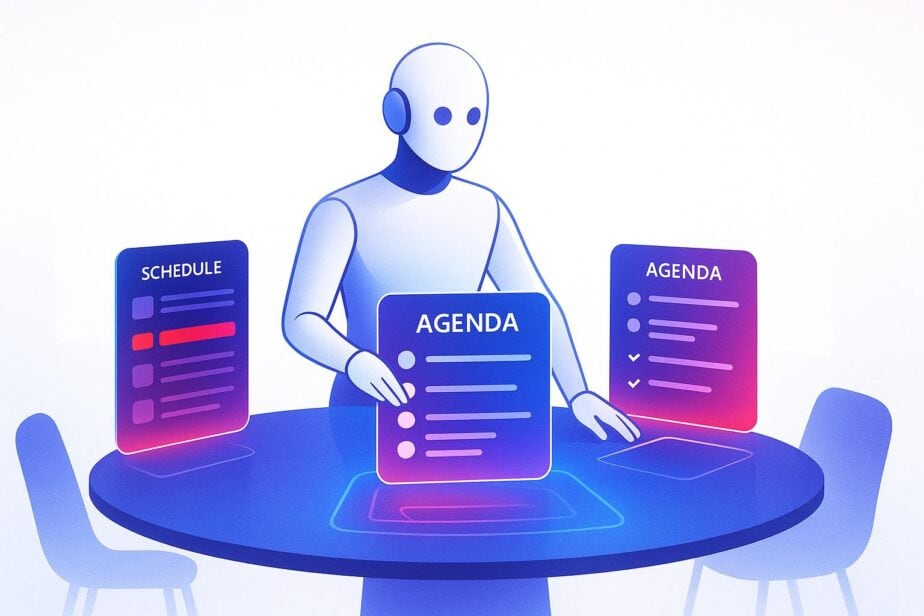
How Copilot Simplifies Meeting Management in Teams

Streamline your meeting management with AI automation for scheduling, agendas, and follow-ups in collaborative environments.

Top 7 Planner Template Use Cases for Teams

Top 7 Planner Template Use Cases for Teams

Explore how Microsoft Planner templates enhance team workflows in project management, event planning, onboarding, and more, ensuring efficiency and accountability.

5 Compliance Challenges Solved by Microsoft 365 Copilot

5 Compliance Challenges Solved by Microsoft 365 Copilot

Explore how AI-powered tools streamline compliance, address regulatory challenges, and enhance data security across diverse industries.

How to Deploy Bots in Microsoft Teams

How to Deploy Bots in Microsoft Teams

Learn how to deploy bots in Microsoft Teams, covering setup, development, deployment, and management for effective collaboration.

A deep dive into Microsoft 365 Copilot Wave 2 Spring Release
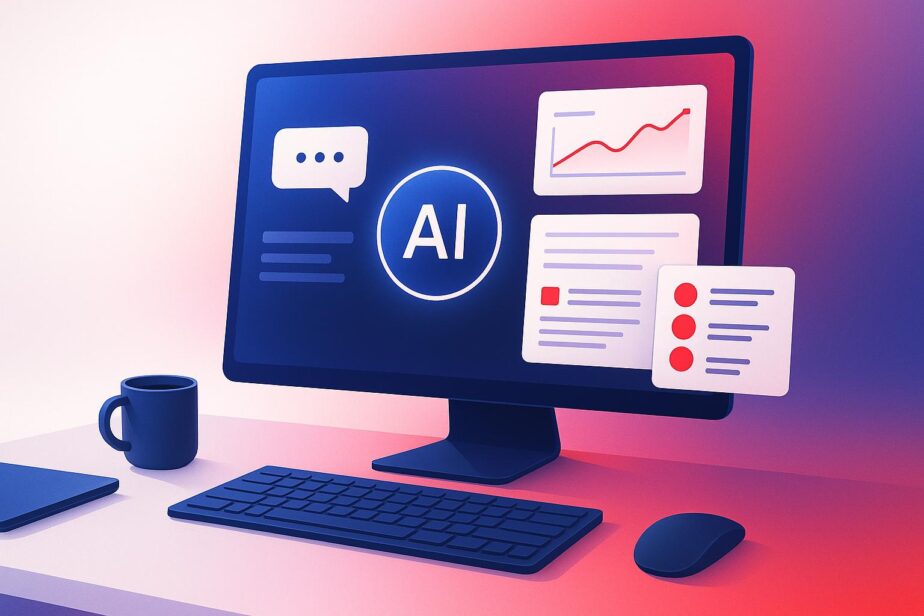
A deep dive into Microsoft 365 Copilot Wave 2 Spring Release

Explore the latest updates in Microsoft 365 Copilot Wave 2 Spring Release, enhancing productivity and security through AI-driven features.

Ultimate Guide to Customizing Microsoft Teams Templates
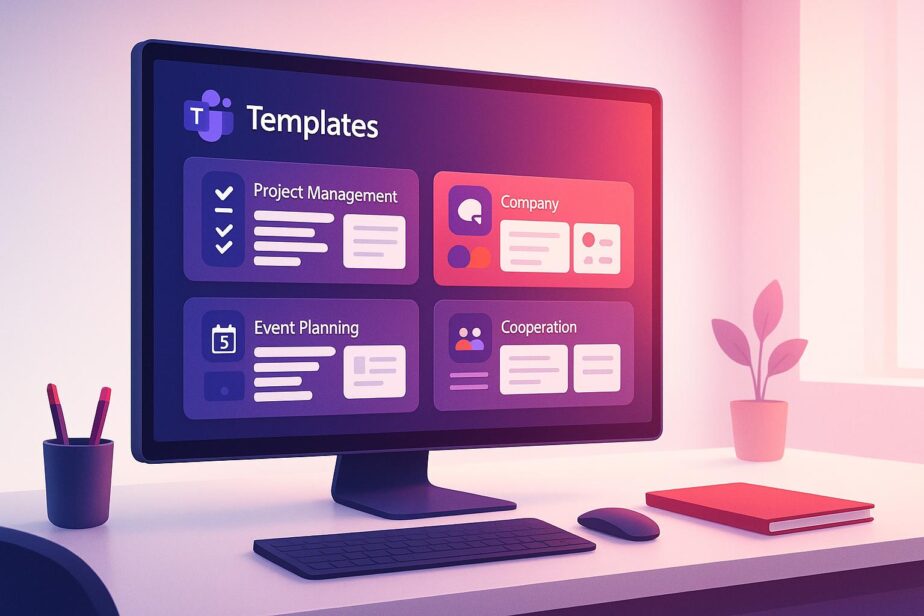
Ultimate Guide to Customizing Microsoft Teams Templates

Learn how to customize Microsoft Teams templates for streamlined collaboration, enhanced productivity, and improved security across your organization.

Microsoft Copilot and Teams – Revolutionizing Workplace Collaboration
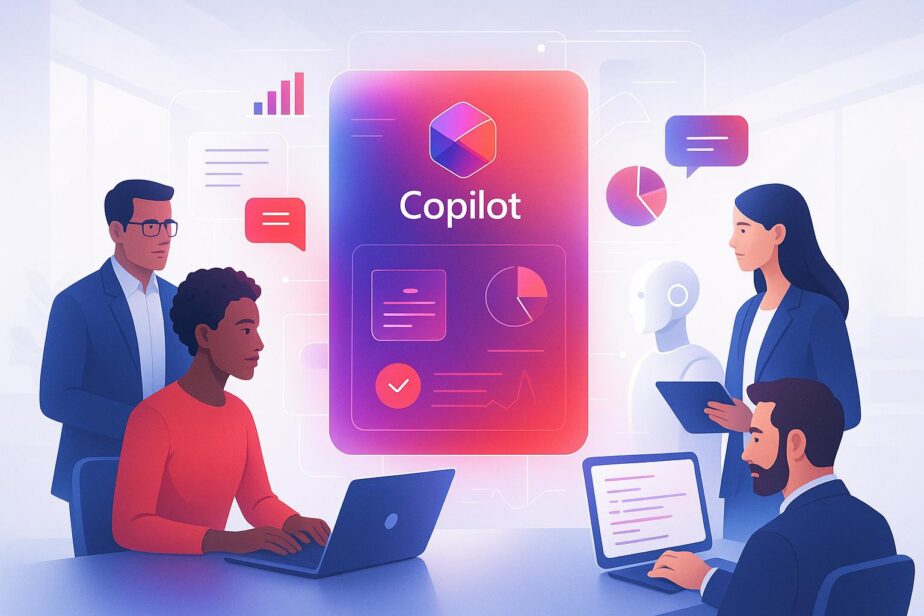
Microsoft Copilot and Teams – Revolutionizing Workplace Collaboration

Explore how AI-driven tools enhance collaboration, boost productivity, and streamline workflows in the workplace.

← Previous
Next →

Product

  • Microsoft Teams Templates
  • Governance
  • Integrations

Solution

  • Project Management
  • Sales Deal Room
  • Account Management
  • Crisis Management
  • Bid Management
  • Customer Success

Learn

  • About us
  • Documentation
  • nBold Partner
  • nBold Blog
  • Demo Center
  • Resource Center

Talk to Us

  • nBold
  • @nbold
We've detected you might be speaking a different language. Do you want to change to:
English
English
Change language to French French
Change Language
Close and do not switch language
English
French